Answers clients can find without asking.
Build a client knowledge base for common WordPress tasks and keep your team's SOPs in the same searchable library.
Wiki & Knowledge Base
Knowledge- Practical client guides
- Screenshots and formatting
- Client-visible or internal
- Search & categories
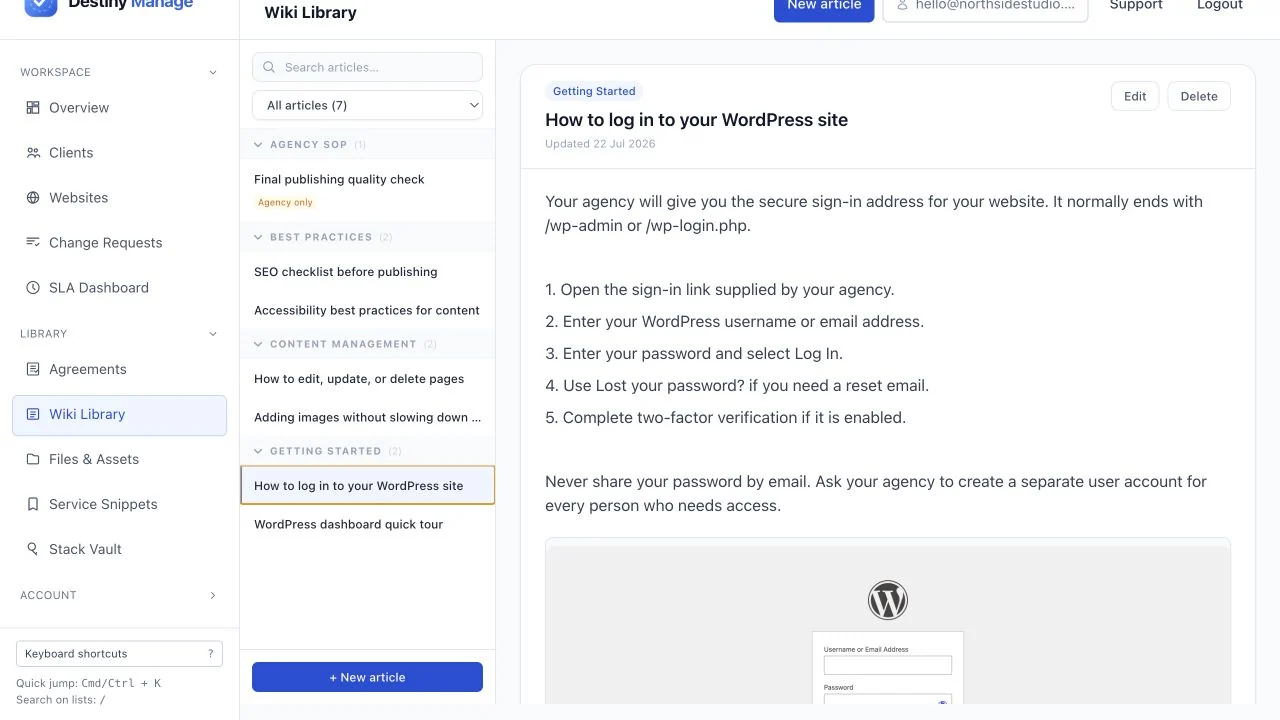
Turn repeat questions into clear guides
Show clients how to log in, edit pages, upload images, and follow SEO and accessibility best practices, with screenshots where they help.
Practical client guides
Answer common WordPress questions once, from signing in to publishing accessible, search-friendly content.
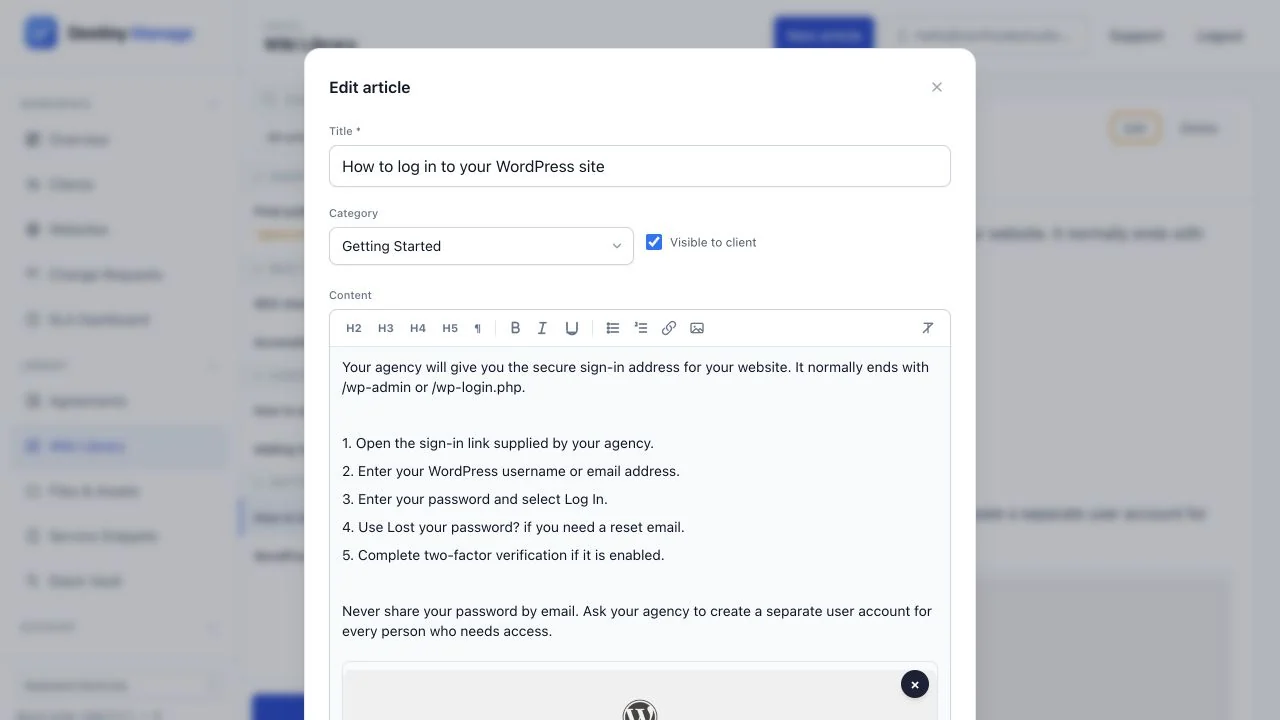
Screenshots and formatting
Add images, links, headings, and lists so every instruction is easy to follow.
Share the right guidance with each client
Publish useful how-to articles in a client's portal, keep agency procedures internal, and organise everything with search and categories.
Client-visible or internal
Choose per article whether a client can see it from their own portal, or keep it for your team only.
Search & categories
Filter by category or search titles and content to find the right article in seconds.
Explore platform features
Wiki & Knowledge Base is one part of running client care plans in Destiny Manage.
Stop drowning in client admin.
Bring your portals, WordPress maintenance, support, and reporting into one branded workspace. Free forever for your first 5 clients, no card required.
Start managing clients free