Tools Agencies Use to Manage Clients (And Where Destiny Manage Fits In)
Scaling a web agency requires more than technical maintenance scripts. You need clear client portals, structured request workflows, and reliable proof of value. Here is an honest look at how modern agencies build their operational stack, what adjacent SaaS platforms do well, and where Destiny Manage bridges the gap for web agencies.

Written by Artur BurkaloFor over a decade, Artur has worked with agencies, run his own agency, and developed WordPress themes and plugins, including Destiny Elements.
Posted 10 July 2026
The agency client management puzzle
When web agencies look for software to manage their client accounts, they quickly encounter a frustrating divide in the market. On one side are technical server management dashboards designed strictly for developers. On the other side are broad project management suites designed for internal task tracking across any industry.
Neither approach solves the day-to-day reality of running client retainers. Technical tools can update plugins silently in the background, but they do not provide your client with a branded dashboard to request site edits or review monthly performance. Broad project managers like ClickUp or Productive excel at internal resource allocation, but giving a non-technical client access to a complex board usually leads to confusion and ignored notifications.
To build a resilient agency, you need software that sits comfortably between your internal engineering workflows and your client-facing communications. Let us examine how specialised client management platforms handle these responsibilities, where their strengths lie, and what to consider when assembling your toolkit.
The Three Pillars of Client-Facing Agency Operations
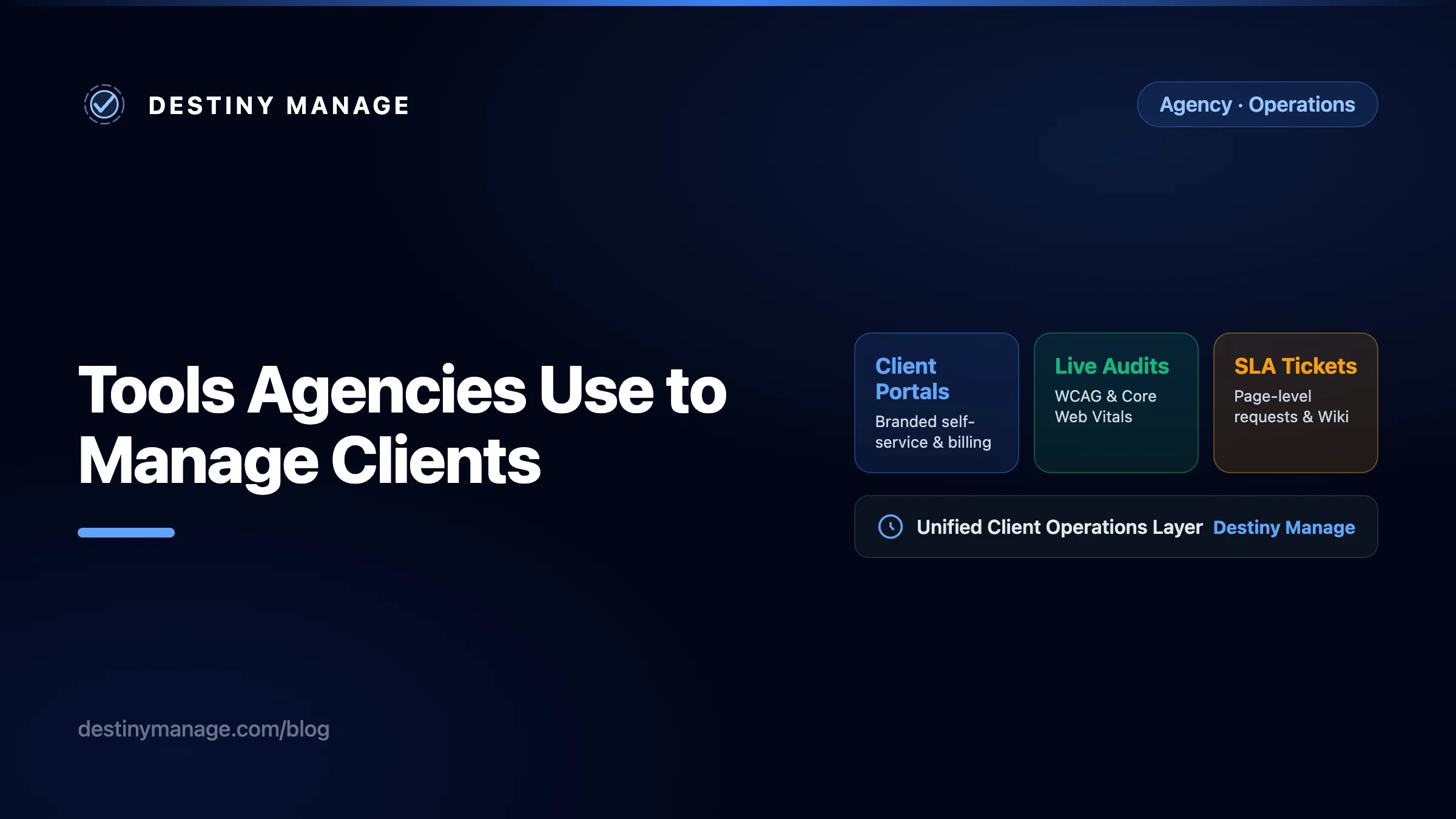
Modern web agencies need a unified layer that connects client visibility, automated proof of work, and structured communication.
Client Portals & Self-Service
Branded dashboards where clients view active retainers, billing status, and live progress without email check-ins.
Reporting & Automated Audits
Automated accessibility and performance checks, with technical findings formatted clearly for non-technical executives.
Structured Intake & Wiki
Site documentation, embedded video walkthroughs, and ticket requests tied directly to specific page URLs and SLA timers.
When these three pillars sit in separate software tools, client communication fragments across inboxes and spreadsheets.
Client portal and reporting tools
The primary job of a client portal is to answer a simple question before the client has to ask it: what is happening with our account right now? When clients can log in to a dedicated space to check their contract status, view historical invoices, and review recent activities, email volume drops sharply.
Specialised operations platforms show how structured reporting and portal transparency can work in service businesses. Examining adjacent tools helps clarify what web agencies should expect from a client portal.
| Platform | Category | Agency limitation |
|---|---|---|
| TrackTik | Client Portals & Reporting | Built for field operations rather than web development and CMS retainers |
| Copilot | Client Portals & Billing | Lacks website performance monitoring and technical CMS integrations |
| Destiny Manage | Web Agency Operations | Tailored specifically for web teams rather than general consulting firms |
What portal tools get right
- TrackTik demonstrates the power of structured operational visibility. In service environments where accountability is paramount, providing clients with verified logs of completed checks builds deep trust. Web agencies benefit from adopting this exact mindset by replacing vague monthly emails with concrete logs of performance checks and security audits.
- Copilot excels at creating an elevated, white-labelled digital lobby. It gives clients a single branded URL to access invoices, shared documents, and intake forms. However, because it is generic across all professional services, it cannot inspect a client website or report on technical health metrics.
Agency workflow and client communication tools
Communication friction is a frequent contributor to early agency account cancellations. When website update requests arrive via informal Slack messages, forwarded emails, or text messages, items get misplaced. Worse, clients lose visibility into when their request will be addressed.
Operational platforms like Belfry focus heavily on coordinating scheduled activities, service tickets, and client portals in one unified interface. In the web agency world, combining ticket intake with SLA tracking ensures that requests are triaged systematically.
| Platform | Category | Agency limitation |
|---|---|---|
| Belfry | Operational Workflows | Designed for facility and field workflows rather than web development sprints |
| ClickUp / Productive | Agency Project Management | Overwhelming for client guest users who just want to request a quick page edit |
Balancing internal complexity with client simplicity
A practical takeaway from platforms like Belfry is that service execution and client reporting work best when connected. When your team resolves an issue, the client portal should reflect that progress immediately without requiring an account manager to draft a manual progress report.
If you use internal power tools like ClickUp or Jira for developer sprints, keep them internal. Pair them with a dedicated client-facing portal that translates technical pull requests into clean, human-readable status updates.
Knowledge base, handover, and operations tools
Every website handoff requires clear documentation. Clients need to know how to publish blog posts, update team bios, and interpret their contact form entries. Without a persistent knowledge base, your support inbox will be cluttered with repeated questions about basic CMS navigation.
Operational tracking platforms like Silvertrac highlight the importance of structured incident reporting and immediate field visibility. For digital agencies, that concept translates directly to website issue reporting and searchable documentation.
| Platform | Category | Agency limitation |
|---|---|---|
| Silvertrac | Incident & Operations Tracking | Focused on physical incident workflows rather than digital web assets |
| Notion / GitBook | Documentation & Wikis | Disconnected from client support tickets, SLAs, and website monitoring |
Why documentation should live beside support
When documentation lives in a separate external workspace, clients rarely consult it before opening a support request. Placing bespoke video tutorials and website style guides directly inside their client portal encourages self-resolution and reinforces your agency's professional presentation.
Six practical features that matter to web clients
Evaluating software by looking at comprehensive feature matrices can distract from core client needs. In our experience working with agencies, clients who pay recurring retainers tend to value six practical capabilities:
1. Intuitive client self-service
Clients should be able to access their retainer agreement, check past billing history, and review ongoing work from a single browser tab without hunting through old emails.
2. Automated technical proof of work
Regular reports showing uptime history, Core Web Vitals performance trends, and accessibility compliance demonstrate continuous value even during quiet months.
3. Embedded website knowledge base
Bespoke editor guidelines, brand assets, and training videos hosted inside the portal ensure that onboarding new client staff members is effortless.
4. Structured request and comment intake
Support forms that capture the exact page URL, screenshot attachments, and priority level prevent vague requests and eliminate unnecessary back-and-forth clarification.
5. Transparent SLA and operational visibility
Clear response clocks and status badges let clients know precisely when their request was received and when your engineering team is scheduled to deploy the change.
6. Branded agency presentation
Every interface your client interacts with should feature your agency logo, typography, and custom domain, reinforcing your identity as a premium technology partner.
Where Destiny Manage fits into your stack
We built Destiny Manage specifically for web agencies that want to combine operational client portals with automated website intelligence. Rather than forcing you to patch together a generic portal tool, an external ticketing system, and third-party auditing scripts, Destiny Manage unites them into a single coherent workflow.
If you already use technical management dashboards like MainWP or ManageWP to handle background database backups and core updates, Destiny Manage sits directly alongside them as your client-facing command center.
How Destiny Manage complements your toolkit
- ✓White-Labelled Client Portals: Give each client a polished branded space under your own agency domain where they can track active projects and access documentation.
- ✓Continuous Accessibility & Performance Audits: Automated background scans verify WCAG colour contrast and Core Web Vitals, generating executive-ready compliance summaries.
- ✓Structured SLA Ticketing: Intake forms route client requests with complete page context and response timers directly to your development team.
- ✓Retainer & Agreement Visibility: Let clients review active agreement status, retainer usage, and billing records online within their branded portal experience.
Building a retention-focused agency stack
Selecting the right software stack is ultimately about respecting both your internal engineering team and your clients. Developers should never be forced to manage client communication inside complex code repositories, and clients should never be left wondering what their monthly retainer fee pays for.
By separating backend maintenance from frontend client operations, you create an agency that scales cleanly. When your clients have structured self-service tools, rich documentation, and verified audit reports at their fingertips, client relationships remain healthy, predictable, and profitable for years after launch.
Ready to upgrade your client-facing operations? Explore how Destiny Manage works or see how our automated reporting helps agencies protect their long-term retainer revenue.
Related guides
- WordPress · AgencyThe Essential Plugins Every WordPress Agency Needs After Installing a Builder
- Agency · RetentionThe First 90 Days: How Branded Client Portals Protect Agency Retainers from Early Churn
- Retention · AgencyThe Cost of Silence: Why Client Portals are the Underrated Key to Agency Retention