Is AI Killing WordPress?
AI can now produce a convincing website in minutes. If a small business can generate pages, copy, images, and code from a prompt, where does that leave WordPress and the people who build with it? Does faster generation make a CMS less necessary, or does the real test begin after launch? Who manages the content, permissions, SEO, integrations, and future changes when the prompt is finished? And as AI becomes part of WordPress itself, are we looking at replacement, reinvention, or something in between?

Written by Artur BurkaloFor over a decade, Artur has worked with agencies, run his own agency, and developed WordPress themes and plugins, including Destiny Elements.
Posted 29 July 2026
Why the question feels urgent
Start with what a small business can do today. Take out a subscription to ChatGPT, Copilot, Perplexity, Cursor, or a combination of them. Describe the business, ask for a site structure, generate the copy and images, produce the code, and get a convincing first version online in minutes.
From the buyer's side, that can make the old website process look difficult to justify. Why wait weeks for a proposal, design, and build when a prompt can produce something immediately? Why pay an agency for a standard brochure site? Why install a CMS at all if AI can generate every page?
The scale of WordPress makes those questions more significant. As of 27 July 2026, W3Techs reports that WordPress runs 41.2% of all websites and has 59.1% of the market among sites whose content management system is known. What happens when a technology capable of generating websites in minutes meets a platform used by such a large part of the web?
Does AI replace the platform, reduce the need for professional WordPress work, or simply move the difficult part of the job somewhere else? And does an impressive first version tell us anything about how the website will be managed a year later?
The question: when the first website can be generated almost instantly, which parts of WordPress still matter, and which parts of traditional WordPress work lose their value?
What AI may actually kill is the commodity build
There is a real disruption hiding inside the exaggerated headline. A five-page brochure site built from a familiar template has become easier to produce. AI can draft the copy, suggest a structure, generate images, write CSS, and assemble standard components. A client who only sees the finished pages may reasonably ask why the old process still costs what it did.
That pressure will be felt by freelancers, junior developers, and agencies selling implementation hours without a deeper service. AI does not have to replace every developer to change hiring. It only has to let one capable person complete more routine work, or let a small business defer professional help until the site becomes complicated.
The response cannot be to pretend the tools are useless. It is to stop presenting page assembly as the entire value of a WordPress professional. Discovery, information architecture, conversion strategy, accessibility, performance, custom integrations, security, migrations, quality assurance, and long-term support were always the harder work. AI simply makes the difference more visible.
A business website still needs an operating system after launch
The first version of a website is a small part of its lifetime cost. The business then hires someone new, publishes a campaign, changes a service, replaces a team member, creates a landing page, fixes an old redirect, responds to a security issue, and updates a privacy notice. Each task needs a safe and repeatable path.
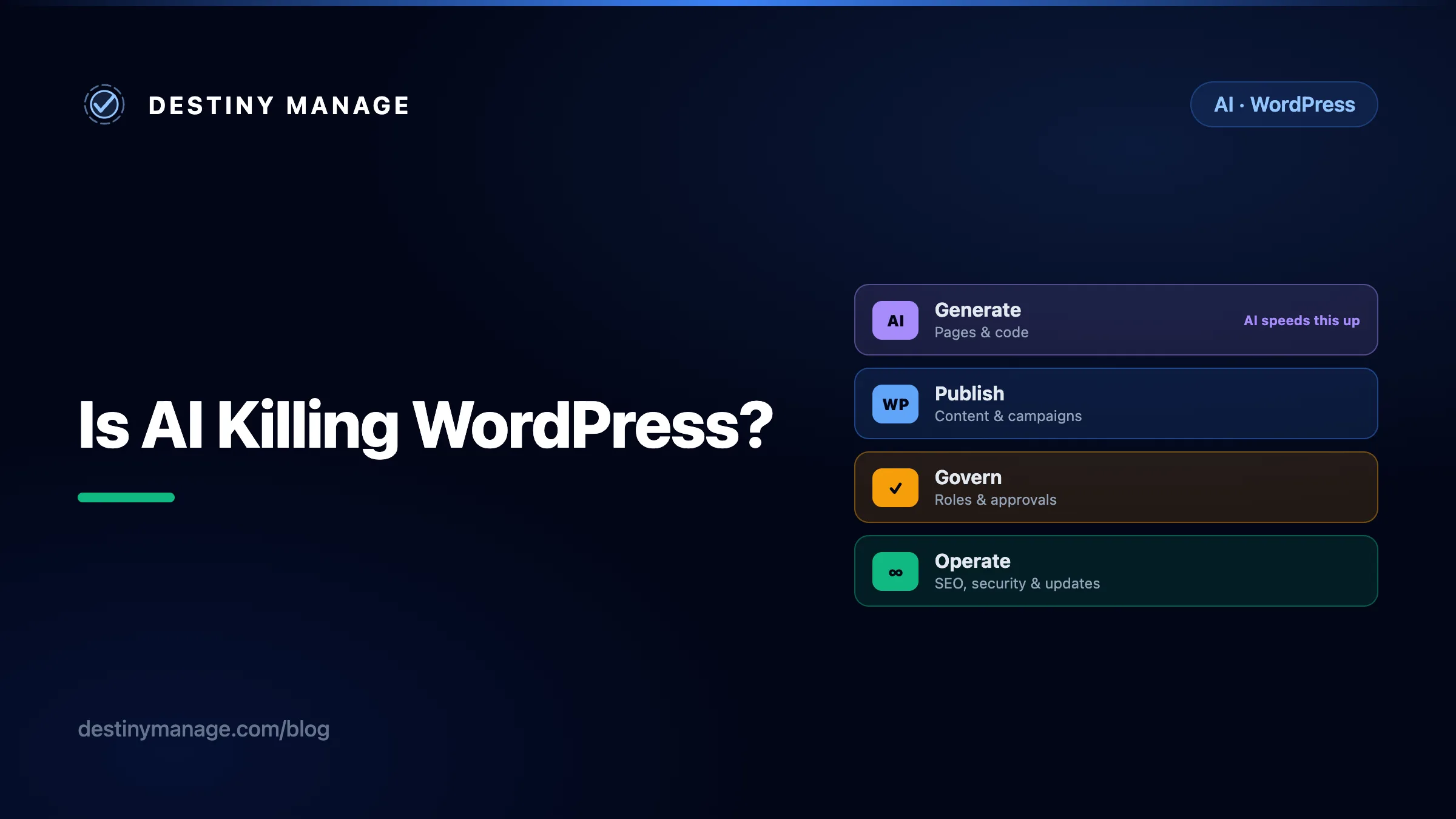
AI can accelerate the first step. A business still owns the rest.
Generate
Pages and code
Publish
Content and campaigns
Govern
Roles and approvals
Operate
SEO, security, updates
Generation is a project phase. Publishing, governance, and maintenance are recurring business functions.
This is where the phrase "AI website" becomes vague. Does it mean AI generated the original code? Does an AI assistant remain responsible for every change? Is there an editor behind it? Where are the content, images, redirects, user permissions, form submissions, and revision history stored? What happens when the model, prompt format, or generation service changes?
A content manager should not need to understand a component tree to publish a case study. An SEO specialist should not need a developer to change a canonical URL. A new employee should not have to learn the prompts that happened to generate the current navigation. These roles need a stable interface and defined permissions, which is precisely what a CMS provides.
| Role | What they need after the website launches |
|---|---|
| Content manager | A predictable editor, drafts, revisions, media, scheduling, permissions, and an archive that remains usable after the person who built the site leaves. |
| SEO specialist | Control over titles, descriptions, canonicals, redirects, schema, sitemaps, internal links, and old URLs without asking an AI tool to rewrite the application. |
| Marketing team | Reusable page patterns, campaign publishing, forms, analytics, approvals, and the freedom to make routine changes without a deployment. |
| Operations team | User roles, auditability, integrations, backups, security updates, staging, and a clear owner when something breaks. |
AI editing needs a safety net
Asking AI to manage an existing page introduces a different risk from asking it to generate a new one. The model can hallucinate a fact, but it can also misunderstand the boundaries of the task. A request to shorten one paragraph might change the heading above it, remove a target keyword, rewrite a link, alter an image description, or update a reusable block that appears on several other pages.
These changes are particularly easy to miss because the result can still read naturally. The page may look polished while a product claim has become inaccurate, an internal link has disappeared, a legal qualification has been softened, or carefully approved brand language has been replaced. An AI system does not share the content manager's understanding of which words are negotiable and which exist for commercial, legal, accessibility, or SEO reasons.
Prompts are instructions, not reliable change boundaries. Telling an assistant to "only edit this sentence" is useful context, but it is not the same as technically restricting write access to that field. A dependable workflow needs controls around the model.
| Control | What it prevents |
|---|---|
| Narrow editing scope | The AI can change only the selected field, block, post, or content type rather than the wider site. |
| Drafts and previews | Generated changes do not become public before a person checks the complete page. |
| A visible before-and-after diff | Editors can see every word, link, setting, and block the AI changed, including edits they did not request. |
| Roles and approval rules | An assistant cannot bypass the same publishing permissions that apply to human contributors. |
| Revision history and rollback | Unintended or inaccurate changes can be traced and restored without reconstructing the previous page. |
WordPress already has useful foundations for this approach: revisions, drafts, previews, user roles, and granular capabilities. AI can sit inside that governed workflow as an assistant. Replacing the workflow with unrestricted prompt-based editing would remove the very safeguards a content team needs most.
The hidden cost of inventing a CMS for every company
A generated custom website can look cheaper because its first invoice excludes the organisational cost that appears later. Once non-technical staff need to manage it, the company has three choices.
- Keep a developer or AI operator in the loop for routine changes. This turns ordinary publishing into a support request and creates a queue around work a content editor could have completed directly.
- Build an administration layer. The company must define content models, authentication, roles, previews, revisions, media handling, redirects, backups, migrations, and security. It has started building a private CMS, whether it uses that name or not.
- Adopt an existing CMS. The generated front end can remain custom, but a mature content platform becomes the source of truth behind it.
The second option can be correct for a product company with unusual requirements and an engineering team. It rarely makes sense for an ordinary business website. Bespoke systems also create bespoke training. Every agency handover and every new employee must learn an interface that exists nowhere else.
WordPress spreads that cost across an ecosystem. Editors bring transferable knowledge. Agencies can take over from one another. Hosting, backup, security, analytics, forms, commerce, multilingual publishing, and SEO all have established solutions. The open-source licence also means the business is not renting access to its publishing system from a single AI website vendor.
AI is entering WordPress itself
The premise that businesses must choose between AI and WordPress is already out of date. WordPress formed a dedicated AI team in 2025, and WordPress 7.0 moved the first important foundations into the platform. The WordPress 7.0 release introduced AI infrastructure intended for core, plugin, and workflow development.
AI Client
A provider-neutral PHP interface lets developers build against a shared WordPress layer instead of wiring every feature directly to one model company. WordPress documents three initial provider plugins for OpenAI, Google, and Anthropic.
Connectors API
A central Settings screen and registration framework give sites a standard way to configure external services. The Connectors API starts with AI providers, but its architecture is designed to support other connector types.
Abilities API
Core and plugins can describe useful actions with typed inputs, outputs, and permission callbacks. That creates a discoverable catalogue of what a site can do, from retrieving site information to executing a tightly scoped plugin action.
MCP Adapter
The official WordPress MCP Adapter can expose permitted abilities to compatible AI clients. Plugins can define useful capabilities once and make them available through standard WordPress interfaces and agent workflows.
This direction matters more than adding a chat box to the editor. It treats AI as infrastructure. A plugin developer can build a feature against WordPress capabilities and a common AI client while the site owner retains a choice of provider. That is a healthier long-term model than making the whole website dependent on whichever generation service is fashionable this year.
AI access still needs governance. An agent that can publish, edit, or retrieve site data must be constrained by permissions, approval, logging, and narrowly scoped actions. WordPress provides useful foundations, but plugin authors and site owners still have to design safe workflows.
WordPress is stable, but stable does not mean static
Stability is sometimes mistaken for a lack of innovation. For a business platform, stability is the fact that content written years ago can still be edited, common skills remain useful, and a company can change its host or agency without rebuilding its entire publishing operation.
The WordPress enterprise programme describes the platform being used at scale across media, e-commerce, higher education, and content marketing. Large organisations do not choose a CMS only because it can render a page. They choose around governance, extensibility, security processes, integration options, recruitment, support, and total cost over time.
WordPress can modernise without asking those organisations to abandon the content and workflows they already own. The block editor changed page creation. REST APIs made headless implementations practical. The AI Client, Connectors API, and Abilities API now create another integration layer. The durable part is not a particular editor or model. It is the content system and the compatibility contract underneath them.
What changes for WordPress developers and agencies
WordPress work will not disappear, but its centre of value is moving. Clients are less likely to pay a premium merely because a professional can turn a design into standard pages. They will still pay to reduce risk, connect systems, improve outcomes, and keep a revenue-producing website healthy.
AI can also make genuinely custom WordPress work more practical. A developer can use it to scaffold a theme, create block templates, draft theme.json settings, build component variations, refactor repetitive code, and generate the first version of tests and documentation. Work that once consumed the opening hours of a project can become a starting point for review and refinement.
That speed can create more room for creativity rather than less. A developer can explore several layout directions, prototype an interaction, test a different content pattern, or discard a weak idea before the client has committed to it. The result does not have to be another generic AI-generated site. Used well, AI can make a more tailored theme affordable within the same project constraints.
For the developer
Less time on boilerplate and repetitive implementation, with more time for architecture, integration, review, and difficult edge cases.
For the creative process
More ideas can reach a working prototype, making it easier to compare directions using the real content and interface.
For the client
Earlier prototypes, faster feedback, and more of the budget available for accessibility, performance, content quality, and testing.
Faster output is only a benefit when it survives professional review. The developer still has to understand the generated code, remove unnecessary complexity, check accessibility and performance, test different devices and content states, and make sure the client receives a maintainable system. AI can compress production time. It cannot take ownership of the result.
- Design an intentional AI workflow. Decide where AI helps with specifications, custom-theme scaffolding, code, tests, documentation, and repetitive content work, and where human review is mandatory.
- Sell decisions and outcomes. Content modelling, accessibility, performance budgets, analytics, conversion paths, security boundaries, and integration architecture are more defensible than a bill based on how long a page took to assemble.
- Own the years after launch. Maintenance, monitoring, backups, vulnerability response, editorial support, training, SEO changes, and continuous improvement create more durable value than the initial build.
- Build model-neutral features. WordPress's new AI foundations let plugin developers support capabilities without permanently coupling their product to a single provider.
- Make governance part of the feature. AI workflows need capability checks, human approval for consequential actions, cost controls, and a record of what changed.
The job becomes less about being the person who knows where a setting lives and more about being the person who can design a reliable system. That is a harder role to automate and a more useful role for a client.
An AI-generated site can be right, and WordPress can be right
Not every project needs WordPress. The sensible choice depends on the operating life of the site, not on loyalty to a tool.
A generated site may be enough when
A temporary landing page
An AI builder can be a fast, proportionate choice.
A prototype or internal proof of concept
Speed matters more than a long editorial life.
A small site that rarely changes
A generated static site may be all the business needs, if someone technical owns it.
WordPress earns its place when
Several people publish or approve content
Roles, revisions, drafts, previews, and established editorial interfaces matter.
Organic search is an important channel
SEO work is continuous, and specialists need direct control over content and metadata.
The site runs campaigns, forms, memberships, or commerce
The website is an operational system, not a collection of finished pages.
The business expects the site to last for years
Portability, maintenance, training, integrations, and replacement staff matter more than generation speed.
There is also a hybrid answer. AI can help create blocks, layouts, content, code, and operational automations while WordPress remains the source of truth. Businesses get faster production without asking their staff to abandon a governed publishing environment.
The verdict: AI will change WordPress because WordPress is useful
AI is not killing WordPress. It is challenging the price of routine implementation and exposing how little of a website's value lives in the first generated version. That will be uncomfortable for anyone whose offer ends at "we build WordPress websites".
WordPress remains valuable for the less glamorous reason that businesses need continuity. Content managers need to publish. SEO specialists need to control the details. Agencies need to maintain many sites. Companies need permissions, integrations, portability, and people they can hire. Recreating those capabilities for every AI-generated website would be expensive, repetitive, and difficult to govern.
The likely future is not AI or WordPress. It is AI working through WordPress, with developers and agencies responsible for turning fast generation into a dependable business system.
Build for the operating life, not only launch day
If you manage WordPress sites for clients, the durable service is everything that keeps those sites useful after launch: maintenance, monitoring, support, requests, reporting, documentation, and clear ownership.
Common questions about AI and WordPress
Is AI going to replace WordPress?
AI is likely to replace some simple WordPress build work, especially low-budget brochure sites where the main requirement is getting a few pages online. It is much less likely to replace WordPress as the operating system for sites that need regular publishing, multiple users, SEO control, integrations, governance, and long-term maintenance. AI is also becoming part of WordPress itself through the AI Client, Connectors API, Abilities API, and MCP Adapter.
Will WordPress developers still have jobs?
Yes, but the valuable part of the job is moving. AI can help developers scaffold custom themes, create blocks and templates, explore more design directions, write tests, and reduce repetitive implementation work. That can give clients faster prototypes, more opportunities to provide feedback, and more of the budget spent on accessibility, performance, integrations, and quality. The developer still owns the architecture, review, testing, and final result.
Can a business manage an AI-generated website without WordPress?
Sometimes, particularly when the site is small, changes rarely, and a technical owner is available. For a content-led business, the harder question begins after launch: how editors publish, how SEO specialists manage metadata and redirects, how permissions and approvals work, and how the site is maintained. If the generated site does not provide those capabilities, the business still needs a CMS or must pay to build and support its own.
Can AI safely manage WordPress pages and content?
AI can assist with WordPress content, but it should not be given unrestricted publishing access. A model can invent facts, misunderstand context, or change copy, links, metadata, reusable blocks, and layout outside the requested task. Safer workflows limit what the AI can edit, save changes as drafts, show a clear before-and-after diff, require human approval for publication, and preserve revisions so unintended changes can be rolled back.
Does WordPress support AI?
Yes. WordPress 7.0 introduced a provider-neutral AI Client and a Connectors API for configuring services such as OpenAI, Google, and Anthropic. The Abilities API gives WordPress and plugins a standard way to describe executable capabilities, while the official MCP Adapter can expose permitted abilities to compatible AI tools. These are foundations developers can use to build AI features without tying every plugin to one model provider.
Is WordPress still a good choice for a new website?
It is a strong choice when a website will be actively managed, needs a familiar editorial workflow, depends on search or content, requires integrations, or must remain portable between agencies and hosts. It may be unnecessary for a temporary page or a tiny site that will almost never change. The right question is not whether AI can generate the first version, but who will operate the site for the next several years.